
VLC
Updated: August 03, 2026
Installation
VLC (or VLC media player) is a free, open-source, cross-platform media player. It is widely regarded as one of the most versatile media players available, capable of playing virtually any audio or video format without requiring additional codecs.
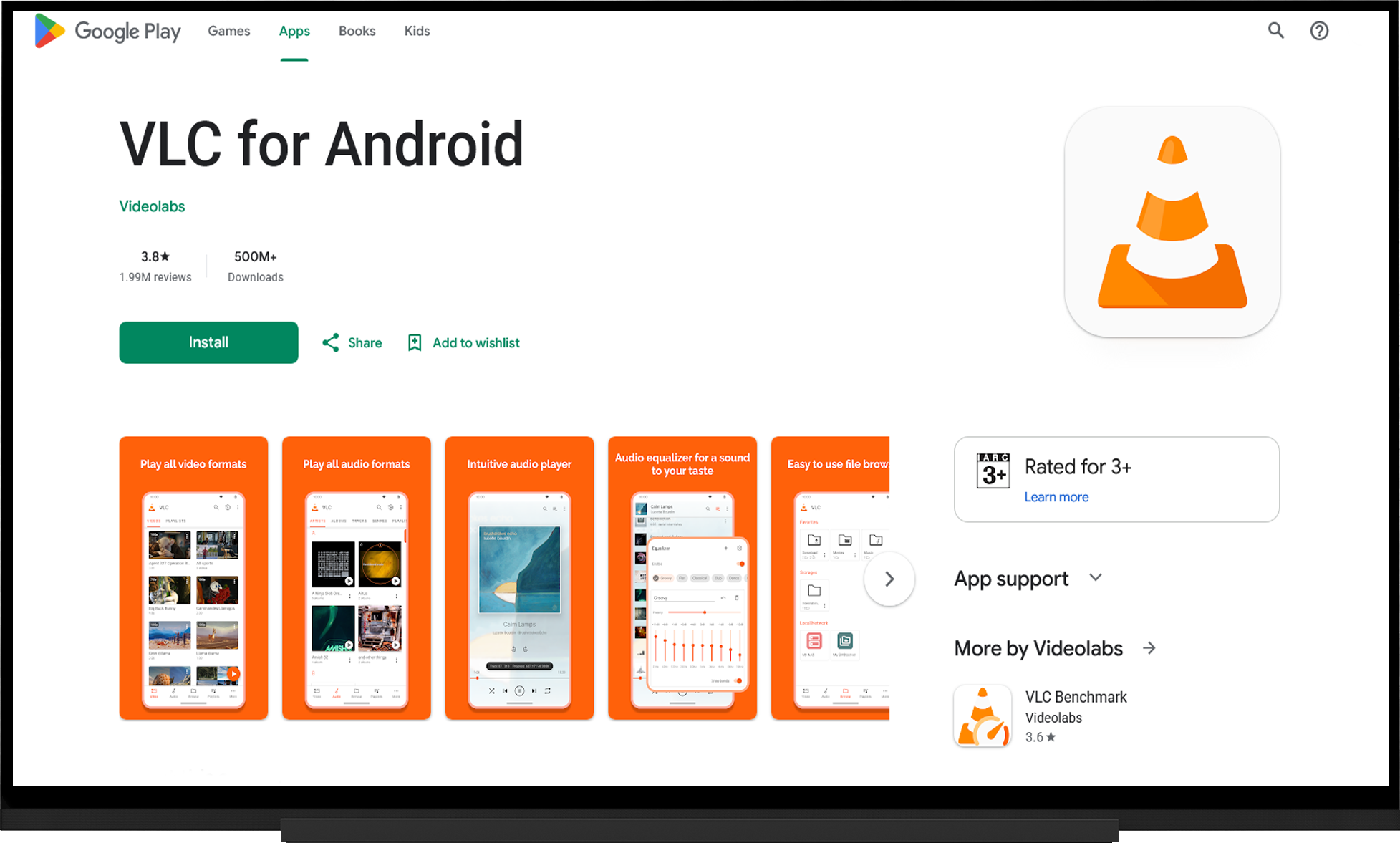
- Open the Google Play Store
- Search for "VLC".
- Install the application on your device.
- Launch the application.
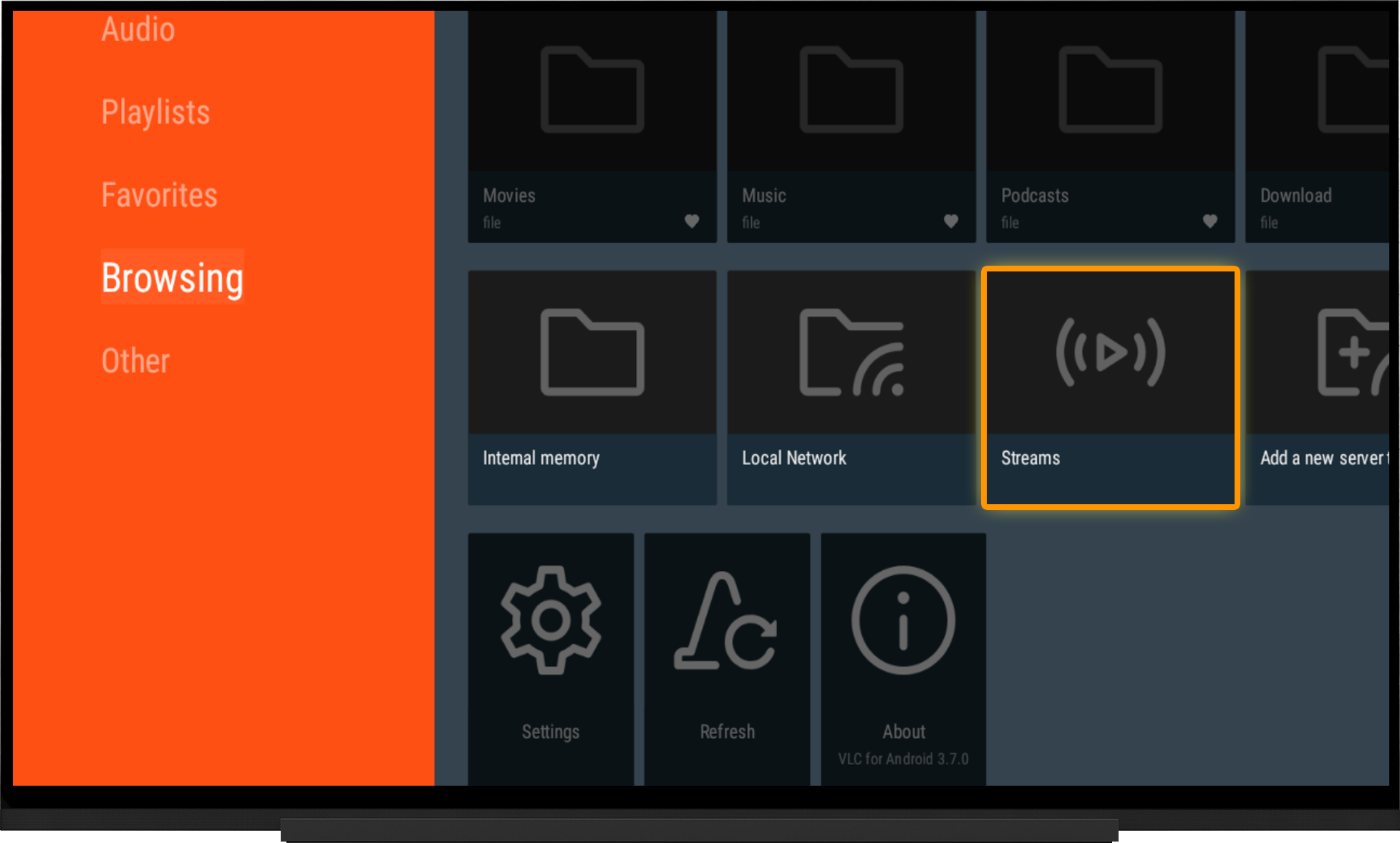
- On the Browsing tab, open "Streams".
- If you want to open a playlist from a file, select "Internal Memory" and browse to the playlist file you downloaded earlier.
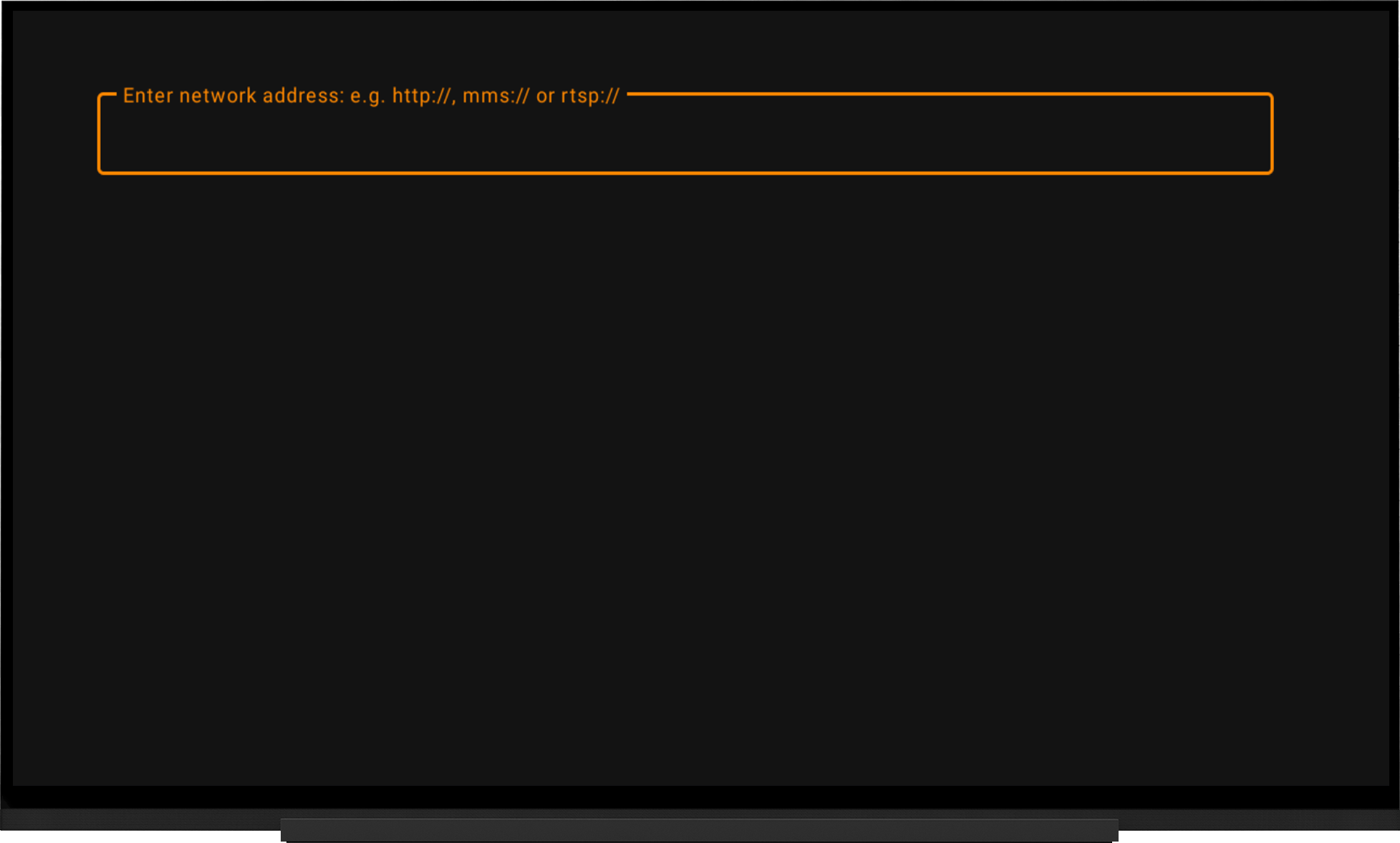
- Enter the playlist URL in the "Enter network address" field.
- Click OK.
Note:
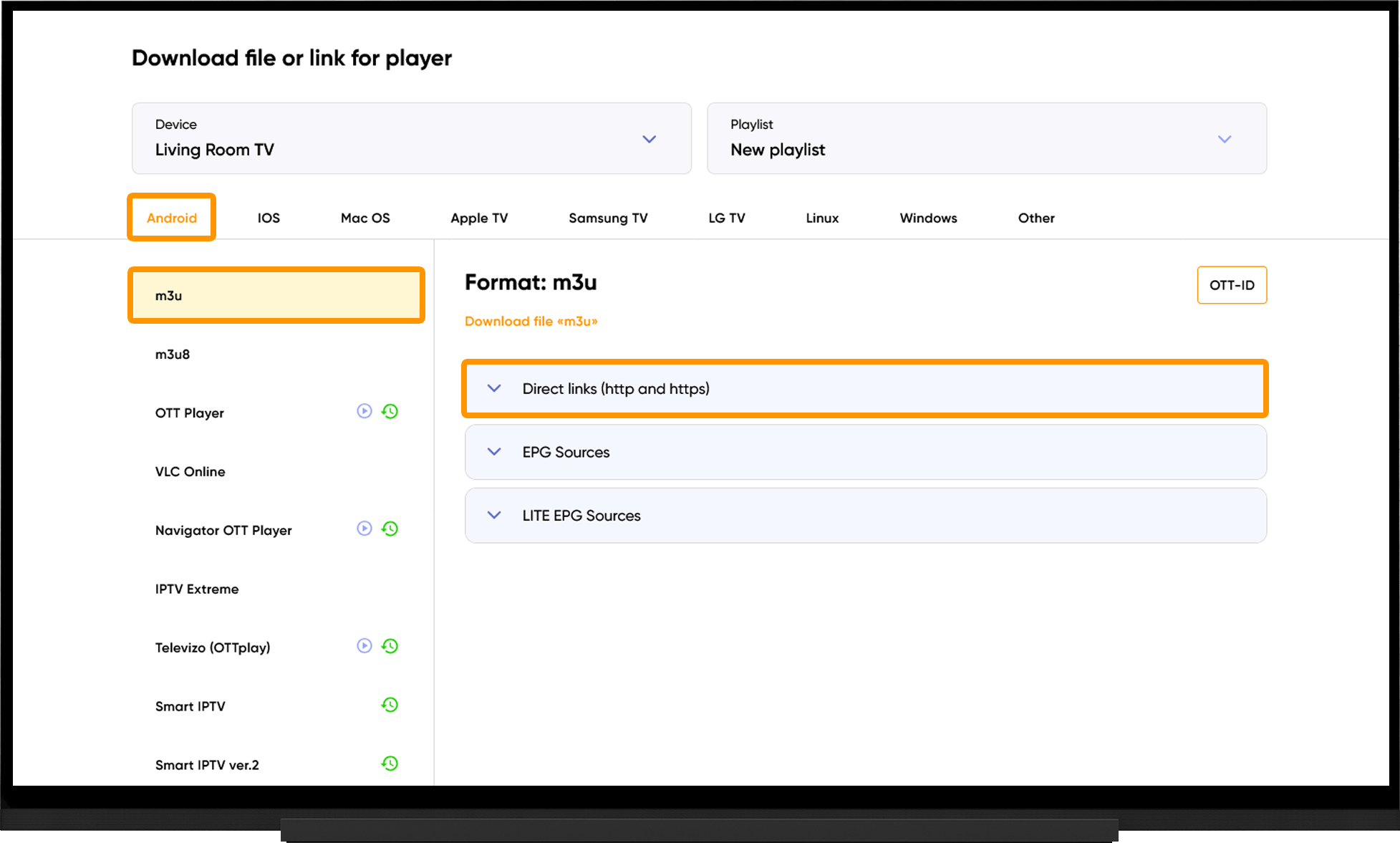
To get your playlist link or playlist file, go to the My Devices section and click "Download" next to your device:
- Select your device type.
- Choose M3U or M3U8.
- Under "Direct Links (http and https), either and copy the playlist link, or click "Download File", depending on your preferred playlist format.
Frequently asked questions
Playlist Won't Load:
- Make sure the playlist link is correct.
- Try using both HTTP and HTTPS playlist links.
- Run the server selection tool, switch to the recommended server, and restart the application after 10 minutes.
Video Buffering:
- Run the server selection tool, switch to the recommended server, and restart the application after 10 minutes.